



- Katılım
- 20 Kas 2023
- Mesajlar
- 10
- Tepkime puanı
- 3
- Puanları
- 3
exotic_services
ExoPixel
Lossless PNG / DDS / DDJ Texture Converter
A free, lightweight texture conversion tool built for the Silkroad community.
About ExoPixel
ExoPixel is a simple Windows desktop tool for converting textures between PNG, DDS and DDJ.
It was created after noticing that many older converters produced blurry buttons, damaged alpha edges and visible compression artifacts. ExoPixel uses a lossless A8R8G8B8 output workflow for PNG conversions, keeping the original pixels and transparency intact.
No installation is required. Open the application, add your textures, choose the output format and convert.
Main Features
- PNG → DDS / DDJ using lossless A8R8G8B8 output
- DDS → PNG / DDJ
- DDJ → PNG / DDS
- Pixel-perfect PNG → DDJ → PNG round trips
- Preserves the original DDS data when converting between DDS and DDJ
- Supports DXT1, DXT3, DXT5 and uncompressed RGB/RGBA DDS textures
- Multi-file conversion
- Recursive folder import
- Drag and drop support
- Separate PNG, DDS and DDJ file-selection filters
- Optional overwrite mode
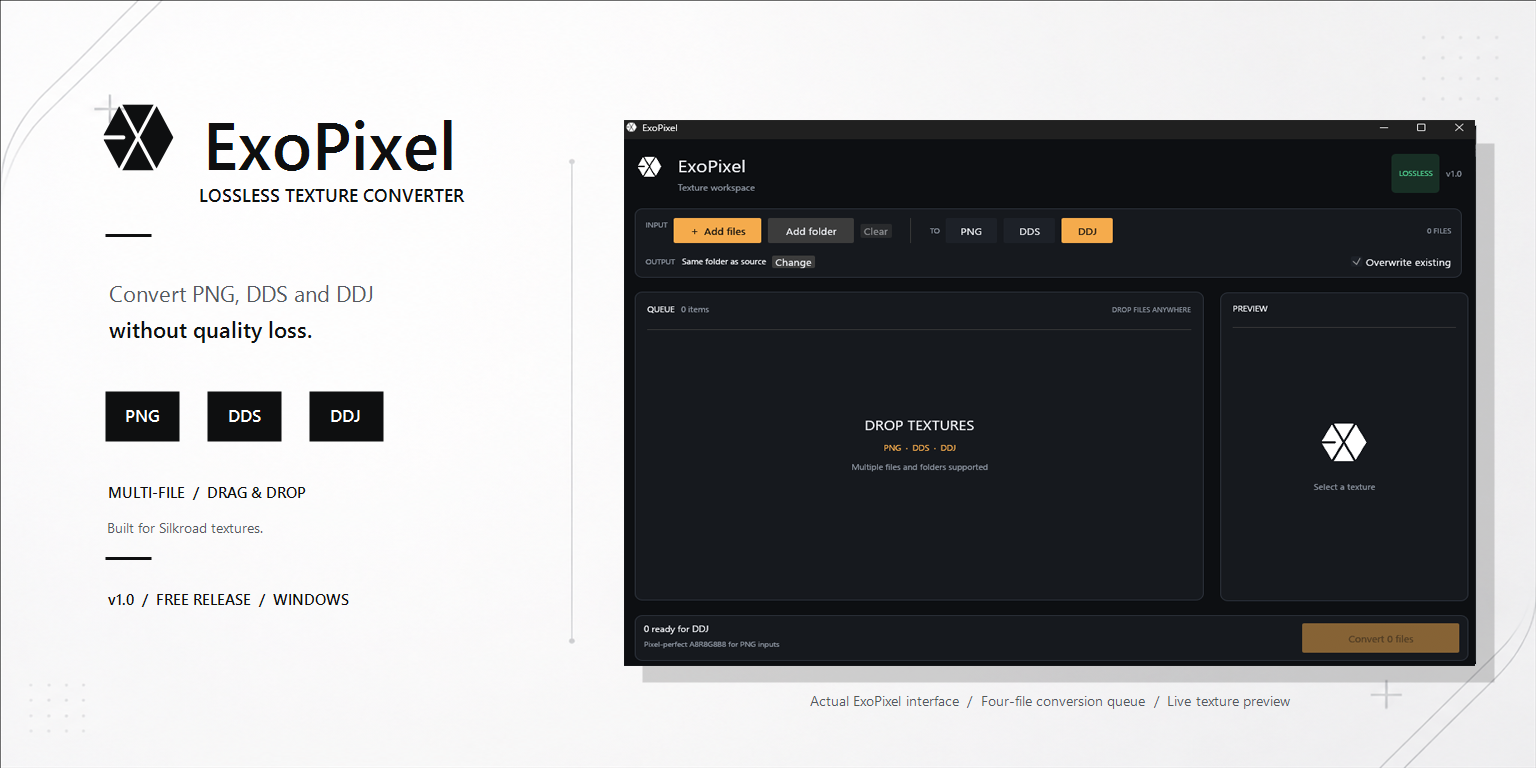
- Clean queue and texture preview
- Portable single EXE — no installer required
Traditional DXT compression stores pixels in small blocks. This saves space, but it can damage small UI text, gold borders, gradients and transparent edges.
When converting PNG textures, ExoPixel stores the image as A8R8G8B8:
- No DXT block artifacts
- No blurred text or decorative edges
- Full 8-bit alpha transparency
- Original pixel colors are preserved
Note: Lossless textures are larger than DXT-compressed textures. This is expected and is the trade-off for preserving the original quality.
How to Use
- Run ExoPixel.exe.
- Click Add files, Add folder, or drag your textures into the window.
- Choose the target format: PNG, DDS, or DDJ.
- Choose an output folder.
- Click Convert.
Download
File: ExoPixel.exe
Version: 1.0.0
Size: 5,168,640 bytes
SHA-256:
Kod:
499AC395FDC6DD702B404B51FD486682924F25A7A69FEB8FDF7A521200760471VirusTotal: View scan results
Important Notes
- Always keep a backup of your original game files before replacing textures.
- Test modified textures on a development or test client first.
- For maximum UI quality, use clean source PNG files at the original texture dimensions.
- ExoPixel does not modify your game client automatically. It only converts the files you select.
Feedback and Bug Reports
If you find a texture that does not convert correctly, please reply with:
- The source format
- Texture dimensions
- The selected output format
- A screenshot of the issue
This is the first public release, so useful feedback is welcome.
ExoPixel — Preserve every pixel.
Created for the Silkroad community • Free release
© 2026 exotic.js. All rights reserved.
